

The vast majority of the educational resources we share have one thing in common: they were created with eXeLearning. But what exactly is eXeLearning, and why have I chosen it as my cornerstone authoring tool?
At its core, eXeLearning is a free, open-source authoring tool specifically designed for creating digital educational content. Its magic lies in its simplicity: it's a desktop application that uses your web browser as its working environment. This means that whether you use Windows, macOS, or Linux, and regardless of your preference for Chrome, Firefox, or Edge, you can install and use eXeLearning without any hassle. This versatility ensures that any educator, even with the most basic technical resources, can start creating.
You could think of it as the free and open-source alternative to commercial solutions like Articulate Rise or Adobe Captivate, but with a unique spirit and key advantages.
Why is eXelearning so special?
Firstly,it is completely free, removing any economic barrier for institutions or individual teachers.
Secondly, being open-source, it is backed by a global community of developers and users who constantly contribute to its improvement, offer support, and create resources. This community is a treasure trove of shared knowledge. I recomend it!
Furthermore, eXeLearning allows you to structure content in a tree-like navigation system (similar to a digital index or book) and offers a wide gallery of blocks or elements, called iDevices, which enable you to design different types of interactive activities.
The best part is that once your project is finished, you can export it in multiple formats: as a self-contained website (HTML), a SCORM package to upload to your Learning Management System (LMS like Moodle), or even as an ePub for reading on mobile devices.
Are you interested in eXeLearning?
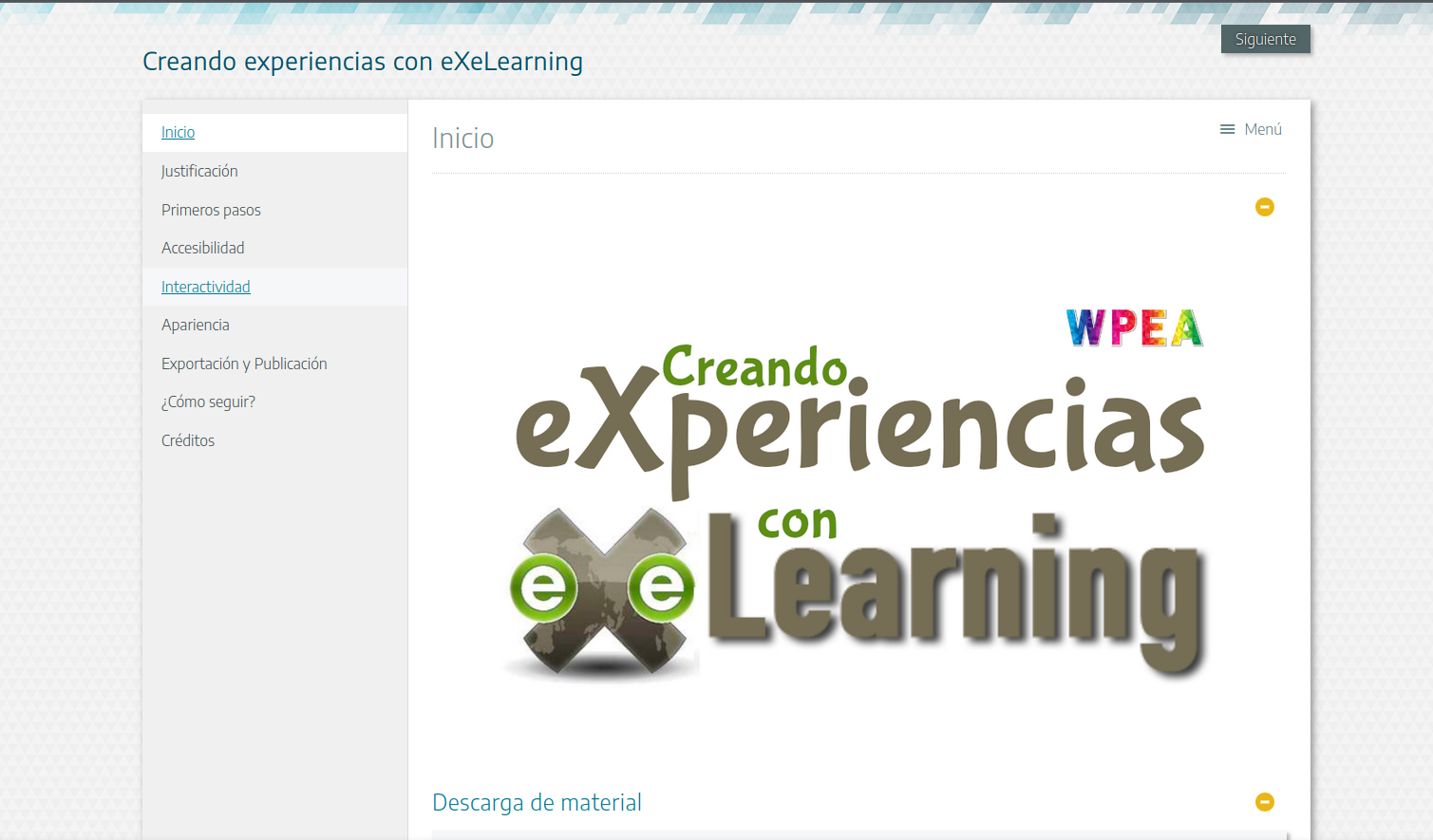
Below you will find the support materials for a workshop I gave at a conference called "Creating Experiences with eXeLearning". Of course, the material itself was created with eXeLearning and exported in HTML format, under a Creative Commons Attribution-ShareAlike 4.0 license. As such, you are free to link to it directly from your virtual classroom. If you prefer the editable source file in .elp format, please don't hesitate to get in touch. I would love to hear your feedback, so be sure to share your impressions and tell me about your experience using it!
You can also watch the recording of the training session.
Leave a comment